- Products
- Solutions
- Customization
- About
- Resources
- Contact
- Request A Quote

Vacuum cleaner batteries get weaker with use and age. Most robot vacuum batteries work well for 1 to 3 years. However, they might stop working properly earlier. For example:
Each time you use your vacuum, the battery charges and drains. Over time, this process makes the battery weaker. This is called "cycle aging." For example, if your vacuum used to run for 90 minutes but now only lasts 30 minutes, it’s likely from repeated use. Batteries are built to handle only a certain number of uses. Replacing them regularly keeps your vacuum working well.
Batteries get older because of chemical changes inside them. These changes make it harder for the battery to store energy. This means your vacuum won’t run as long as it used to. Things like charging too much or too little can make this happen faster. Taking care of your battery, like keeping it out of sunlight and charging it properly, can help it last longer. But even with good care, all batteries eventually stop working well.
The place where you keep your vacuum matters for the battery. Very hot or cold temperatures can hurt the battery. For example, heat over 40°C makes lithium-ion batteries wear out faster. Cold can lower lead-acid battery power by 30%. Humidity can also cause rust, which damages the battery. To make your battery last longer, store your vacuum in a cool, dry place between 15–25°C. This helps it work better and need fewer replacements.
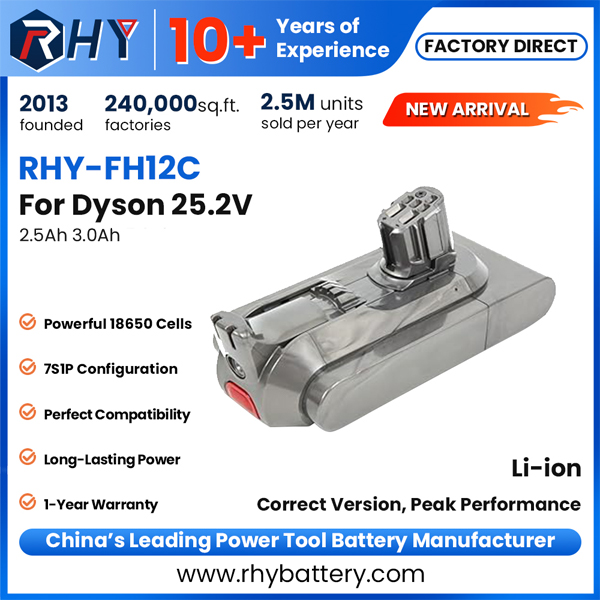
If your vacuum runs for less time than before, the battery might be failing. For example, if it used to clean for an hour but now lasts only 20 minutes, the battery can’t store energy well anymore. This happens because using the vacuum often wears out the battery. Tools like charge curves or cycle life tests can show how much energy the battery can still hold. These tools help measure battery health over time. For instance:
|
Test Type |
What It Shows |
|
Charge Curves |
Shows how battery power changes during charging and use. |
|
Cycle Life |
Counts how many charges a battery can handle before losing power. |
|
Capacity Retention Rate |
Measures how much battery strength remains after many uses. |
If your vacuum’s runtime gets shorter, replacing the battery keeps it working well.
If your vacuum gets too hot while charging or cleaning, the battery might be damaged. Heat can harm the battery and make it wear out faster. This happens more with fast charging or when the battery is full. Even small overheating can shorten the battery’s life. Watch your vacuum’s temperature during use and charging. If it keeps overheating, replace the battery to avoid damage and stay safe.
A weak battery can make your vacuum lose suction power. This means it won’t clean as well or pick up dirt properly. If your vacuum struggles to clean, the battery might not be giving enough energy. Replacing the battery can bring back strong suction and better cleaning results.
New batteries help your vacuum work its best. Fresh batteries give steady power for strong suction. This helps pick up dirt and dust better. Replacing old batteries stops weak performance from worn-out parts. Your vacuum will clean well every time without slowing down.
Changing batteries often makes your vacuum last longer. Weak batteries can harm the motor and other parts. New batteries lower this damage and keep it running smoothly. This simple fix avoids costly repairs or buying a new vacuum.
Old batteries can make your vacuum stop suddenly. This interrupts cleaning and leaves jobs unfinished. New batteries give steady power to avoid shutdowns. You can clean without worrying about your vacuum stopping. A good battery saves time and effort.
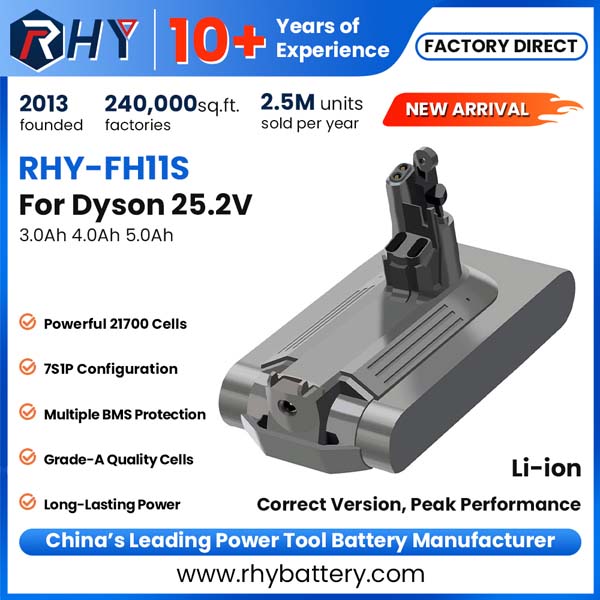
Charging the right way helps batteries last longer. Overcharging can harm batteries and shorten their life. Many chargers stop when full, but unplugging after charging is safer.
To charge safely:
These tips help keep your vacuum batteries working well.
Storing batteries properly keeps them in good shape. Heat, cold, and moisture can damage lithium-ion batteries. To protect them:
Good storage makes batteries last longer and reduces waste from damaged materials.
Letting batteries go empty before charging can hurt them. Batteries lose power even when not used. For example, they lose 5-7% daily in shutdown mode. After cleaning, most robot vacuums still have 45-50% charge. Recharging then avoids extra strain.
Vacuum cleaner batteries wear out over time, so replacing them is important. A new battery keeps your vacuum cleaning well and helps it last longer. For cordless vacuums, good battery care means longer cleaning without stopping. Some models, like the Dyson Outsize Absolute+, have swappable batteries for easy use and better durability.
Quick Tip: Take care of batteries by not letting them fully drain. Store them in a cool, dry place to make them last longer.
|
Aspect |
Details |
|
Importance of Battery Life |
Needed for cordless vacuums to clean longer without stopping. |
|
Benefits of Removable Batteries |
Makes it simple to replace old batteries and keep vacuums working longer. |
|
Example Model |
Dyson Outsize Absolute+ has a swappable battery for easier use. |
By spotting battery problems early and using these tips, your vacuum can work well for a long time.
Change the battery every 1-3 years. This depends on how much you use it and how well you take care of it.
No, only use the battery made for your vacuum model. Using the wrong battery can harm your vacuum or make it work poorly.
An old battery often causes sudden stops. Changing the battery helps your robot vacuum clean without stopping.